
8 Best Network Performance Monitoring Tools
Discover 8 best network performance monitoring tools to track latency, packet loss, and fix issues before they impact users.

.webp)
A slow network is like a dripping tap. At first, it is annoying. Then it becomes the only thing anyone can hear. Your dashboard looks calm, which is great, except calm dashboards do not answer angry tickets.
That is why network performance monitoring tools matter. They help you see what is slow, where it is slow, who feels it, and what you should fix first.
The best network monitoring tools do not bury you under charts. They show delay, packet loss, device health, traffic load, and edge performance in plain terms. When you compare tools for network monitoring, start with your real problem. A global CDN issue is not the same as a busy office switch. A cloud service slowdown is not the same as a failed router.
The right tool network monitoring setup should fit the way your network actually works.
1. IO River
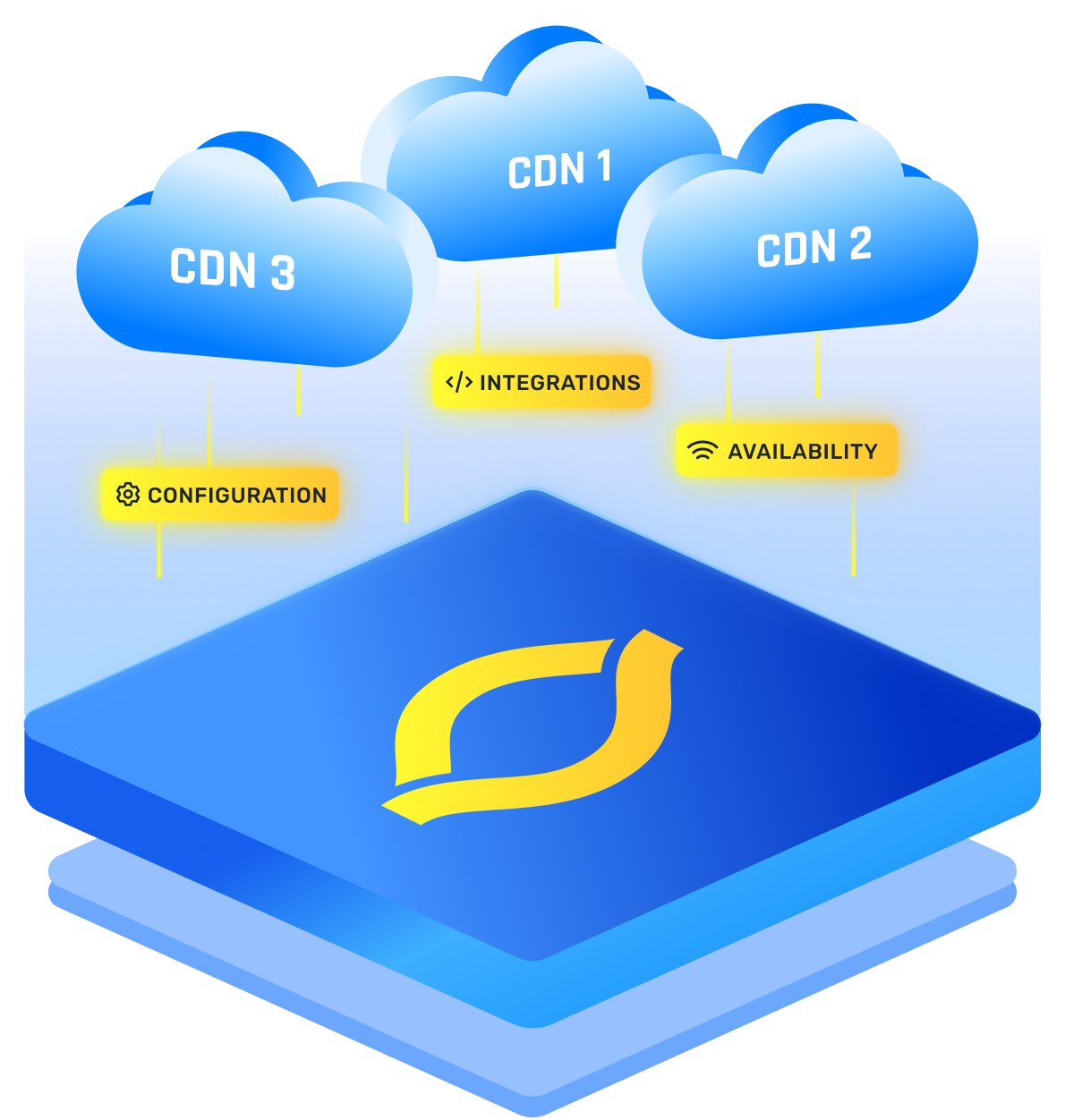
IO River deserves the top spot if your users reach you through CDNs, edge locations, and global traffic paths. In that world, your own servers may be healthy while users in one region still get a poor experience. That is the fun part of the internet. By fun, we mean not fun at all.
IO River focuses on CDN performance, availability, and traffic routing. It checks the real resources you care about, because a page, image, API route, and video file can all behave differently. It can also measure DNS time, TCP connection time, TLS time, and Time To First Byte.
You choose IO River when performance is not only about uptime. It is about serving each user from the best path possible. If one CDN slows down in a region, you want to know fast before customers ask if your site has taken a nap.
2. SolarWinds Network Performance Monitor
SolarWinds Network Performance Monitor is built for teams that manage serious network infrastructure. If your day includes routers, switches, firewalls, wireless devices, and wide area links, SolarWinds gives you useful depth.
Its value is in visibility. You can see device health, link status, network paths, alerts, and performance trends. Path analysis and performance stacking help you connect the dots when a slowdown is not sitting in one obvious place.
SolarWinds helps you move from “the network is slow” to “this link or device is causing trouble.” That is a much better meeting starter.
{{promo}}
3. Datadog Network Monitoring
Datadog Network Monitoring is a smart pick when your network is tied closely to cloud systems and applications. If you already use Datadog for infrastructure or app monitoring, adding network views can make troubleshooting smoother.
It helps you see how services talk to each other across hosts, containers, cloud zones, and devices. This matters because modern network problems often hide between the app and the infrastructure.
Datadog works best when you want one view across app performance and network behavior.
4. Paessler PRTG
PRTG is one of the easiest network monitoring tools to understand because it uses sensors. A sensor checks one thing, such as ping, bandwidth, CPU load, or service health. That keeps the setup simple.
You can start small, then add more checks as you learn what matters. This helps if you do not want your monitoring project to become a second job with worse coffee.
PRTG is a strong all rounder. It gives you dashboards, alerts, maps, custom checks, and mobile access. The main thing is to plan your sensors because one device can use several checks.
5. ManageEngine OpManager
ManageEngine OpManager is practical for teams that want broad network and server monitoring without making the setup feel too fancy. It covers routers, switches, firewalls, load balancers, servers, virtual machines, and storage devices.
It gives you real time visibility into availability, performance, alarms, and traffic. You can also use it for WAN monitoring, wireless monitoring, maps, reports, and device health checks.
OpManager is a good middle ground. It gives clear answers about device load and network health, with alerts you can act on.
6. Auvik
Auvik is built for fast discovery and clean network visibility. It is especially useful if you manage many sites or client networks. Instead of drawing maps by hand, you can let it discover devices, build topology views, and show what is connected.
That saves time, and it also saves you from the classic “who plugged this into that?” mystery. Every network has at least one cable with a backstory.
Auvik is one of the best network monitoring tools when setup speed matters. It gives you mapping, inventory, alerts, traffic insights, and configuration history.
7. Cisco ThousandEyes
Cisco ThousandEyes is made for the part of the network you do not fully own. That includes ISP paths, SaaS apps, cloud routes, DNS behavior, and internet routing. If users depend on services outside your walls, this view matters.
It uses synthetic tests and path visualization to show how users reach services. That helps you see whether the issue is in your app, your provider, a cloud path, or the wider internet.
ThousandEyes is powerful when you need proof. If a provider says everything is fine, you can show path data, route changes, latency spikes, or DNS issues.
8. Zabbix
Zabbix is the open source choice for teams that want control. It can monitor network devices, servers, services, applications, and custom metrics. You can shape it around your environment if you have the time and skill.
It supports SNMP, agents, traps, discovery, templates, alerts, escalation rules, and automation. That gives you a lot of power. It also means you need to plan carefully, because freedom without structure can become a drawer full of tangled cables.
Zabbix can be one of the best tools monitoring network performance if your team is ready to build clean templates and sensible alerts.
How To Choose The Right Tool
When you compare network performance monitoring tools, do not chase the biggest feature list. Chase the clearest answer.
Ask yourself four questions:
- Where do users feel the problem first?
- Is the issue usually inside your network or outside it?
- Who needs to read the alert and act on it?
- Will the tool help you fix the issue, or only show more charts?
A tool can look impressive in a demo and still feel wrong on a busy Tuesday. Keep your choice tied to the alerts your team will actually trust.
If your main worry is CDN speed and global routing, start with IO River. If your main worry is device health, look at SolarWinds, OpManager, PRTG, or Zabbix. If you care about cloud service behavior, Datadog and ThousandEyes deserve attention. If you need fast multi site visibility, Auvik is a strong option.
The goal is not to collect tools for network monitoring like trophies. The goal is to catch issues early, explain them clearly, and fix them without turning every slowdown into a detective series.
{{promo}}
Conclusion
The right monitoring tool depends on where your risk lives. IO River leads this list because global edge performance and CDN routing now matter for many online businesses. SolarWinds, Datadog, PRTG, OpManager, Auvik, ThousandEyes, and Zabbix each solve a different part of the same problem.
Good monitoring should make your next move obvious. When a user says the network is slow, you should see the path, spot the weak point, act quickly, and avoid a complaint pileup.
FAQs
What Are Network Performance Monitoring Tools?
They help you track speed, uptime, latency, packet loss, traffic, device health, and user experience. In simple terms, they show whether your network is working well or quietly making everyone miserable.
What Is The Difference Between Network Monitoring And Network Performance Monitoring?
Basic network monitoring often checks whether devices are up or down. Network performance monitoring goes deeper by looking at speed, delay, routing, load, and connection quality.
Which Tool Is Best For CDN Performance?
IO River is the best fit here. It focuses on CDN performance, edge availability, routing decisions, and regional checks. If your users are global, that view is very useful.
Which Tool Is Best For Internal Network Devices?
SolarWinds, ManageEngine OpManager, PRTG, and Zabbix are strong choices. The right pick depends on team size, budget, current tools, and how much setup control you want.
Are Open Source Network Monitoring Tools Worth It?
Yes, if you have the skill to manage them. Zabbix can be powerful and flexible, but you need clean templates and sensible alert rules.
How Many Network Monitoring Tools Do You Need?
Most teams should start with one main platform. You may add a second tool for a special view, such as CDN routing or internet path monitoring. More tools are not always better.