

DNS Redundancy: Ensuring Uninterrupted Internet Access
DNS redundancy keeps websites online during failures. Learn how it improves uptime, reliability, and uninterrupted internet access.


You’ve probably typed a website address into your browser and gotten nothing but a frustrating error message at least once in your browsing experience. It can be incredibly disruptive, especially if you're relying on that website for work, school, or even just staying connected. Believe it or not, the culprit behind these access issues is often a tiny but critical piece of internet infrastructure: the Domain Name System, or DNS.
The Importance of DNS Redundancy
Think of a world where your favorite online store, your bank's website, or even that cat video you desperately need to see are suddenly inaccessible. This frustrating reality can set in if a single DNS server you rely on experiences an outage.
Here's why DNS redundancy is important:
- Uninterrupted Access: With redundant DNS, you have a backup plan in place. If your primary DNS server goes down, a secondary server can take over and continue translating website redundancy DNS addresses, minimizing downtime and ensuring you can still access the information and services you need.
- Enhanced Reliability: Redundancy strengthens the overall reliability of your internet experience. By spreading the load across multiple servers, you're less likely to encounter issues caused by a single point of failure. Think of it like having multiple lanes on a highway; if one lane closes, traffic can still flow using the remaining lanes.
- Improved Performance: In some cases, DNS redundancy can even improve website loading times. Redundant servers geographically distributed around the world can direct your requests to the closest server, reducing latency (delays) and speeding up the translation process.
- Increased Security: Redundancy can also bolster your defenses against cyberattacks. Distributed Denial-of-Service (DDoS) attacks aim to overwhelm a single server with traffic, making it unavailable. Through this recursive DNS, the attack traffic gets distributed across multiple servers, making it harder to take down the entire system.
You can say that DNS redundancy acts like an insurance policy for your DNS query and subsequent online experience. It minimizes disruptions, safeguards access, and keeps you connected to the vast resources of the internet, ensuring proper network traffic control.
Choosing the right provider mix is also part of building DNS high availability. Businesses often compare the top DNS providers to avoid depending on one network, one control panel, or one provider’s outage history.
{{promo}}
How DNS Outages Ripple Through the Internet
A DNS outage behaves like pulling a thread from a sweater: one small tug unravels layers of services that seem unrelated at first. Because so many platforms build on top of each other, the failure of a single DNS provider can bring down entire ecosystems.
Take the October 2016 attack on Dyn as an example. A massive DDoS made Dyn’s DNS servers unreachable. The result looked like this:
- Dyn DNS goes offline → queries for websites relying on Dyn cannot resolve.
- Major platforms vanish → Twitter, Netflix, GitHub, Reddit, and Airbnb fail to load because their domain names cannot be translated.
- Dependent services collapse → third-party apps that call Twitter APIs stop working, online payments fail for shops tied to these platforms, and collaboration tools relying on GitHub repos go dark.
- End users feel it everywhere → mobile apps, streaming services, and even IoT devices suddenly become useless, not because the core servers are down, but because no one can find their addresses.
The same roll-down effect showed up in a 2020 Google Cloud DNS hiccup: Gmail became unreachable, which in turn broke services that used Gmail for login, and cascaded into business workflows that had nothing to do with DNS on the surface.
What makes DNS outages uniquely painful is that they are not isolated. They spread horizontally across industries and vertically through every service layer stacked on top of DNS.
Strategies for DNS Redundancy
Now that we understand the importance of DNS redundancy, let's explore some key strategies to implement it:
- Primary and Secondary DNS Server Redundancy: The most common approach is to configure two DNS servers: a primary and a secondary. Your computer or network device will prioritize the primary server for DNS lookups. If the primary server is unavailable, the device will automatically switch to the secondary server, ensuring continuity of service.
- Redundant DNS Providers: You can also leverage multiple DNS providers. This means using the DNS servers offered by different companies instead of relying on a single provider. If one provider experiences an outage, your device can seamlessly switch to the other provider's servers, minimizing downtime.
- Anycast DNS: This advanced strategy involves using geographically distributed DNS servers that appear as a single entity to your device. Your request gets routed to the closest server, offering faster performance and improved reliability. Think of it as having multiple local copies of the phonebook, each readily available for your use.
- DNS Load Balancing: This technique distributes incoming DNS requests across multiple servers, preventing any single server from becoming overloaded. This improves overall performance and ensures smooth operation even during peak traffic periods.
Secondary DNS works best when both providers maintain the same DNS zone data, including A, AAAA, CNAME, MX, TXT, and other critical records. This keeps DNS failover clean and prevents users from receiving outdated or inconsistent responses during an outage.
Best Practices for Implementing DNS Redundancy
Having a plan for DNS redundancy is essential, but proper implementation takes it a step further.
.gif)
Here are some key practices to ensure your redundant DNS setup functions optimally:
- Choose Reliable Providers: When opting for multiple DNS providers, select reputable companies with proven track records of uptime and reliability.
- Proper Configuration: Configure both primary and secondary DNS servers, or across different providers, ensuring they hold identical and up-to-date DNS records. Inconsistencies can lead to confusion and service disruptions.
- Monitor and Test Regularly: Don't just set it and forget it! Schedule regular checks on your DNS configuration and perform test failovers to verify your secondary servers or providers can seamlessly take over if needed.
- Geographic Distribution (For Advanced Users): If you have a global audience, consider using geographically distributed DNS servers (Anycast) to optimize performance for users in different locations. This ensures faster response times for everyone.
- Documentation: Maintain clear and up-to-date documentation outlining your DNS configuration, failover procedures, and contact information for your DNS providers. This will be invaluable during troubleshooting or if you need to make changes to your setup.
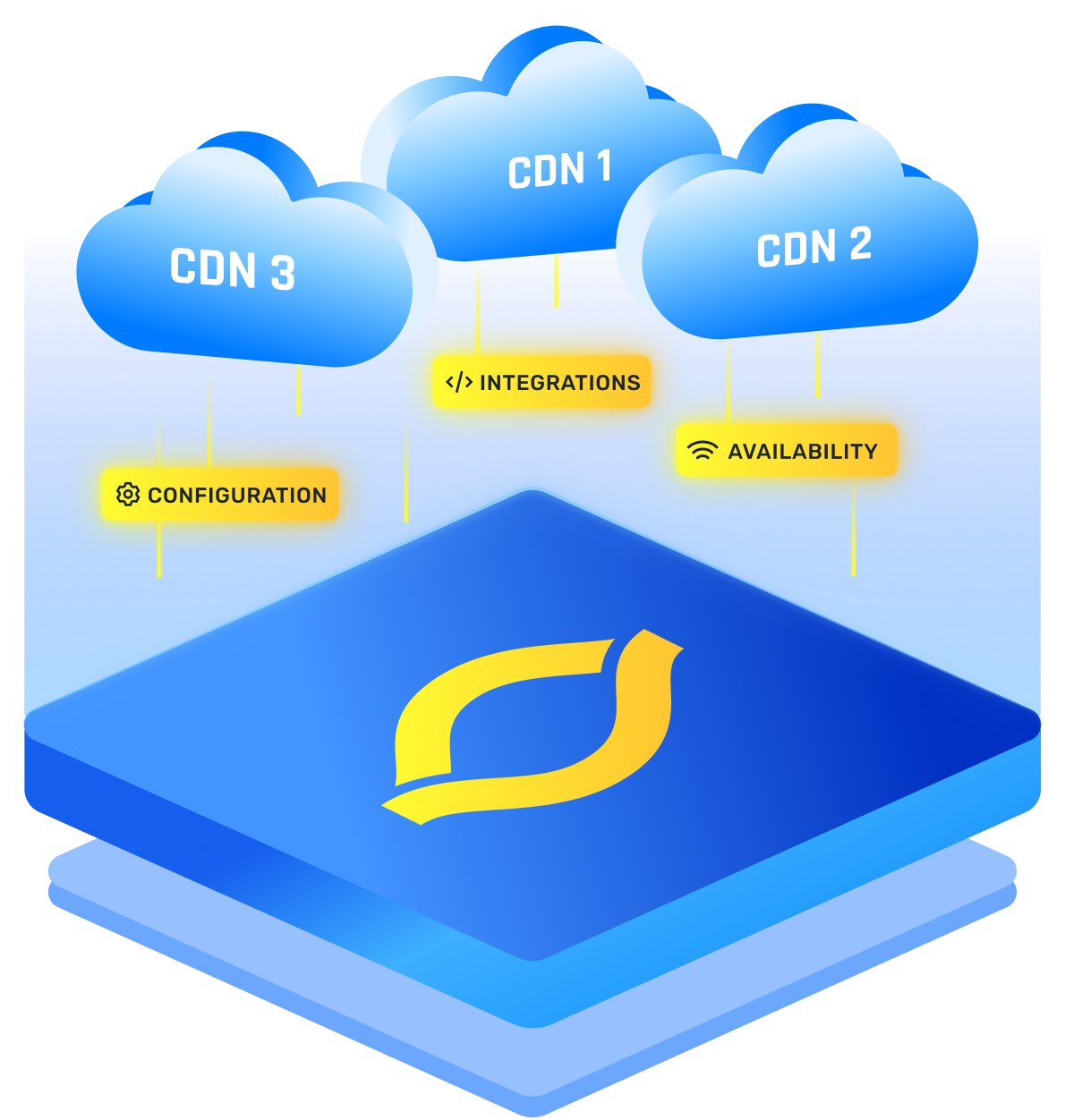
- Balancing for Performance and Availability: A CDN with multiple origins load balancer needs to be configured to consider factors beyond just availability. Include performance metrics like response times and origin server health in the decision-making process.
- Improving DNS Configurations: For performance-sensitive applications, monitor DNS lookup time alongside uptime. A redundant DNS configuration should not only survive outages but also keep resolution fast. DNS load balancing helps distribute queries efficiently, while failover rules ensure traffic shifts away from unhealthy infrastructure.
You should also track DNS propagation after record changes, since updates may not reach every resolver instantly. Testing with the best DNS tools can confirm whether your DNS redundancy setup is resolving correctly across different regions and networks.
This DNS redundancy best practice ensures content is delivered from the origin that can provide the fastest and most reliable experience for the user, even if other origins are technically available.
Conclusion
To sum it all up, DNS redundancy is ensuring you stay connected even when faced with server outages or cyberattacks. Because of implementing strategies like using primary and secondary servers, leveraging multiple providers, or employing advanced techniques like Anycast DNS, you can significantly enhance the reliability and performance of your online experience.
Remember, proper configuration, regular monitoring, and well-documented procedures are essential for maximizing the effectiveness of your DNS redundancy plan.
FAQs
What is the main risk of relying on a single DNS provider?
The biggest risk is creating a hidden single point of failure. If that provider suffers an outage or attack, all your domains tied to it become unreachable. Redundancy in cybersecurity starts with avoiding overdependence on one DNS provider.
Can I use different DNS providers for primary and secondary DNS?
Yes, and it is considered best practice. Using a secondary DNS provider ensures real independence, since relying on the same network backbone or infrastructure can still fail together. A properly configured secondary DNS service helps you stay online even during provider outages.
How does DNS failover differ from load balancing?
A DNS failover service focuses on switching traffic when a server or provider goes down. Load balancing, on the other hand, distributes queries across multiple healthy servers at once. Both improve availability, but failover is reactive while load balancing is proactive.
Is Anycast DNS enough for full redundancy?
Anycast DNS provides speed and resilience by routing queries to the closest available node, but it is not full redundancy on its own. To achieve complete protection, you still need a secondary DNS service or provider to cover against broader network or provider-wide failures.
Does DNS redundancy protect against DDoS attacks?
DNS redundancy can reduce the impact of DDoS attacks by spreading traffic across multiple servers or providers, making it harder for attackers to overwhelm your system. However, true redundancy in cyber security also requires layered defenses, such as rate limiting and dedicated DDoS mitigation.
How many DNS servers do you need to achieve high availability?
For basic DNS high availability, you should use at least two authoritative DNS servers on separate networks. For stronger DNS redundancy, many businesses use multiple providers with geographically distributed infrastructure. This reduces the chance that one outage, routing issue, or provider failure will make your domain unreachable.
How does Anycast DNS differ from traditional primary and secondary DNS configurations?
Anycast DNS routes users to the nearest available DNS node using the same IP address across multiple locations. Traditional primary and secondary DNS relies on separate authoritative servers that share the same zone data. Anycast improves speed and resilience, while secondary DNS adds provider-level redundancy and stronger outage protection.
How do you test whether your secondary DNS is working correctly before an outage occurs?
You can test secondary DNS by querying each authoritative nameserver directly, checking that records match across providers, and temporarily simulating primary DNS failure in a controlled environment. Regular monitoring helps confirm that zone transfers, DNS failover rules, and DNS load balancing behavior work before a real outage happens.
What TTL settings work best for a redundant DNS configuration?
For redundant DNS, TTL values should balance fast failover with resolver efficiency. Short TTLs, such as 60 to 300 seconds, help changes take effect quickly during DNS failover. Longer TTLs reduce query volume but can delay recovery. Many teams use shorter TTLs for critical records and longer TTLs for stable records.