
Top 6 WAF Features You Need To Protect Your Web Applications
Discover the top WAF features for protecting web applications, APIs, and users from modern cyber threats.

Your web app can look calm while trouble is already knocking. A login page gets hit again and again. An API gets called faster than any real person could click. Web attacks often arrive through the same doors your real users use.
A web application firewall helps you watch those doors closely. But a WAF is not magic security glitter. The right WAF features decide whether you get real protection or just a dashboard that looks serious in meetings.
Key Takeaways
- A WAF protects web requests, while a network firewall mainly controls network access.
- Strong WAF security rules should be tuned and tested before full blocking.
- Bot protection helps you separate useful bots from harmful automation.
- DDoS mitigation should cover traffic floods and application layer abuse.
- Multi CDN setups need WAF policies that follow traffic across every provider.
Why A WAF Is Not The Same As A Network Firewall And Why That Distinction Matters
A network firewall helps decide whether traffic can reach your system. It usually looks at IP addresses and ports, but it does not always understand what someone is doing inside your web application.
A WAF works closer to the app. It inspects HTTP and HTTPS requests. It can look at paths, headers, cookies, request bodies, and API calls.
• A network firewall may allow traffic because HTTPS is expected.
• A WAF checks whether the request itself looks safe.
That matters because attackers often use your login page, checkout flow, upload form, or API. Your WAF is there to notice when a normal looking request is carrying trouble in a neat little package.
{{promo}}
The 6 WAF Features That Separate Effective Protection From A False Sense Of Security
1. Managed And Custom WAF Security Rules
WAF security rules are the core of the tool. They decide what gets allowed, blocked, challenged, or logged. Managed rules give you a strong starting point against common attacks like SQL injection and cross site scripting.
But your app has its own shape. Your admin panel and checkout flow may need stricter tuning, because nobody wants to lose a real buyer at the payment button. That is how villains are born.
• Use managed rules for broad protection.
• Use custom rules for the risky parts of your own app.
The goal is not maximum strength on every rule. The goal is to block harmful behavior while letting real users keep moving.
2. Bot Protection That Understands Good And Bad Automation
Bot protection matters because not all bots are bad. Search crawlers and monitoring bots can help. Bad bots scrape content, test stolen passwords, create fake accounts, or hammer your login page like they own the place.
Strong bot protection looks beyond the IP address. Attackers can rotate IPs quickly. A better WAF checks behavior, browser signals, request speed, and session patterns.
• Allow trusted bots that serve a real purpose.
• Challenge or block bots that act suspiciously.
This keeps your app open to useful automation while blocking the kind that wastes resources or damages trust.
3. Rate Limiting And DDoS Mitigation
DDoS mitigation is not only about giant traffic floods. A smaller application layer attack can hurt you too. If an attacker keeps calling a search endpoint, login route, cart page, or expensive API, your app can slow down even when your servers are online.
A strong WAF helps with rate limiting, client challenges, and repeated request control.
• Apply stricter limits to login and password reset pages.
• Watch high cost API routes that trigger heavy backend work.
Think of rate limiting like a polite bouncer. Real users get in. The loud ones meet the sidewalk.
4. API Protection And Request Inspection
Your API is part of your application, not a side quest. Attackers may send strange payloads, abuse tokens, call private endpoints, or push requests that are far larger than expected.
Good API protection should understand API traffic. It should validate methods, paths, headers, payload size, and request structure.
• Check that requests match the expected API shape.
• Set tighter controls around authentication and data access routes.
Some WAFs only inspect request bodies up to a set size. So you should know what your WAF actually sees, not just what the brochure promised.
5. Logging And False Positive Review
A WAF without clear logs leaves you guessing. You need to know which rule fired, what path was targeted, what action happened, and whether real users were affected.
Good alerts should point you toward events that need action. They should not bury your team under noise.
• Review blocked requests by rule and path.
• Track source patterns before you change a policy.
This is how you move from “we have a WAF” to “we understand what our WAF is doing.” False positives can quietly turn into lost signups and failed orders.
6. Safe Testing Before Full Blocking
The best WAF setups are tested before they fully block traffic. Most teams start new rules in count or preview mode, so they can see what would be blocked first.
After that, you review the logs and tune exceptions. Then you move the rule into blocking mode once you are confident.
• Test new rules before enforcement.
• Keep exceptions narrow and easy to explain.
Safe testing helps you avoid letting attacks through while also avoiding blocked users who did nothing wrong.
How WAF Rule Management Determines Whether Your Protection Keeps Up With Threats
A WAF is not a “set it and forget it” tool. Your application changes. Attack methods change. Managed rules change after launches, outages, or new API releases.
Rule management keeps your WAF security rules aligned with the real app. Review rules when you ship new features, add endpoints, change login flows, or see a sudden jump in blocked requests.
• Check which rules are firing most often.
• Review exceptions to make sure they are not too broad.
If a rule blocks real users, do not just turn it off and walk away whistling. Tune it. Test it. Keep the protection, but make it smarter.
{{promo}}
The WAF Mistakes That Leave Applications Exposed Even When The Tool Is Running
A running WAF does not always mean a protected app. One common mistake is leaving rules in detection mode forever. Detection mode is useful for learning, but it does not block the bad request.
Another mistake is trusting default rules only. Default rules do not know your business logic, sensitive routes, or weird legacy form that everyone is afraid to touch.
• Avoid broad skip rules that remove too much inspection.
• Review body inspection limits for large forms and APIs.
The biggest mistake is poor ownership. Someone needs to read logs, tune policies, test changes, and understand app updates. Otherwise, the WAF becomes security wallpaper. It looks nice, but it is not holding the wall up.
Why Multi CDN Deployments Need WAF Policies That Follow Traffic Across Providers
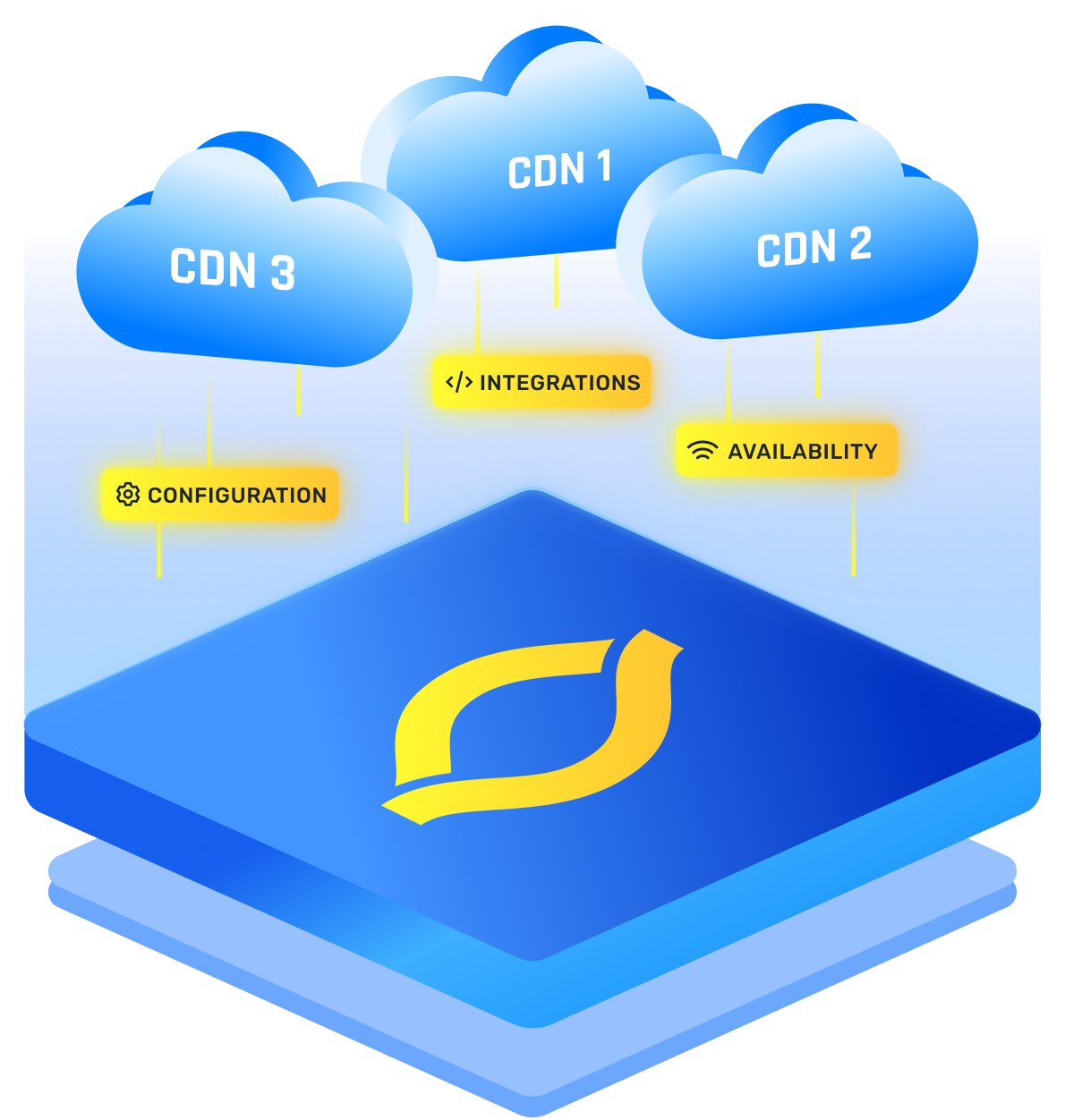
A multi CDN setup can improve speed and resilience, but it can also split your security controls. If one provider has strong WAF policies and another has weaker rules, attackers will look for the softer path.
Traffic may move during failover or routing changes. Regional issues can move it too. Your security should move with it. Users do not care which CDN served the page. Attackers do not care either.
• Keep one baseline WAF policy across providers.
• Test the same attack cases through each CDN path.
You also need shared logging. If each CDN keeps separate security events, your team may miss the full attack pattern. Strong CDN security means your controls stay consistent while traffic moves.
A clear multi CDN strategy also helps you reduce policy drift across more than one provider.
Conclusion
A WAF gives you real value when it is tuned and tested with care. The strongest WAF features help you block attacks, control bots, reduce DDoS risk, protect APIs, and understand your traffic.
The tool matters, but the way you manage it matters more. A smart WAF setup protects the app you actually have, not the perfect app everyone wishes they had.
FAQs
Can A WAF Stop DDoS Attacks Or Is It Only For Application Layer Threats?
A WAF can help with DDoS mitigation, especially when the attack targets web pages, login flows, forms, or APIs. It is strongest at the application layer. Large network floods may still need extra protection from your CDN, cloud provider, or dedicated DDoS service.
How Often Should WAF Rules Be Reviewed And Updated?
Review WAF rules whenever your application changes, and also on a regular schedule. Monthly is a practical starting point for many teams. You should also review rules after traffic spikes, new feature launches, managed rule updates, or reports that real users were blocked.
What Is The Difference Between A Managed WAF And A Self Managed WAF?
A managed WAF gives you provider maintained rules and updates, plus easier operations. A self managed WAF gives your team more control, but also more responsibility. You own tuning, testing, rule updates, false positive review, and daily monitoring, so it needs steady attention.
Does Moving To A Multi CDN Setup Create Gaps In WAF Coverage?
It can create gaps if each CDN uses separate rules and logs. It may also use separate bot controls. One path may be well protected while another is weaker. To avoid that, keep consistent WAF policies across providers and test the same risky requests through every traffic route.
How Do You Test Whether A WAF Is Actually Blocking What It Should?
Start with safe test traffic in count or preview mode. Check whether the expected rules fire, review the logs, and confirm normal user actions still work. After tuning false positives, move the rule into blocking mode and keep watching real traffic.