



You start a video on fast home WiFi and the picture looks sharp. A few minutes later, you move into a weak signal area. The image softens for a moment, but the stream keeps playing. Nothing asked you to choose a new setting. The player adjusted the delivery on your behalf.
That changing picture is adaptive video quality in action. It gives the viewer the best version the connection and device can handle, while trying to avoid the interruption that feels worse than a temporary drop in detail as network conditions shift.
What Is Adaptive Video Quality?
Adaptive video quality is the ability to change the delivered video bitrate and resolution during playback. Instead of publishing one large file, the streaming platform encodes the same program at several quality levels. It then divides each version into short segments that represent the same moments in the video.
The player requests one segment at a time. Before each request, it estimates how much data it can safely download. If the connection improves, it can request a higher quality segment next. If bandwidth falls, it can choose a smaller segment and reduce the chance of video buffering.
This approach is usually called adaptive bitrate streaming. It is different from a viewer manually selecting 1080p or 720p because the decision is continuous. The player can react every few seconds as network speed and buffer health change.
{{cool-component}}
How Adaptive Bitrate Streaming Works Under the Hood
The process begins before the viewer presses play. Your encoder creates a bitrate ladder, which is a collection of renditions such as a low resolution mobile version and several larger versions. Every rendition uses aligned segment boundaries so the player can switch without jumping to a different moment.
Playback then follows a repeating loop:
- The player downloads a manifest that lists the available renditions and segment locations.
- It measures recent download speed, current buffer length, screen limits, and playback stability.
- It chooses the next segment from a rendition that should finish downloading before the buffer empties.
- It repeats the calculation as new measurements arrive.
I would not simply pick the highest bitrate below measured bandwidth. Throughput can change between requests, so the player keeps a safety margin. It may also stay at the current level for a short period instead of switching after every small fluctuation. That reduces visual instability.
Buffer level acts as another warning signal. A large buffer gives the player time to test a higher rendition. A shrinking buffer encourages a faster step down. Good ABR logic balances image detail against the risk of a pause, because most viewers tolerate a softer picture better than repeated stops.
HLS vs DASH: The Two Dominant Adaptive Streaming Protocols
HLS and DASH both describe available renditions and divide media into segments. Their ecosystems and file formats differ, but the player side decision is similar.
HLS streaming is widely used because it works naturally across Apple platforms and has mature support throughout the video ecosystem. DASH streaming is an open standard with flexible codec and packaging options. Many platforms prepare content so they can support both without maintaining completely separate media libraries.
How CDNs Enable Adaptive Video Quality at Scale
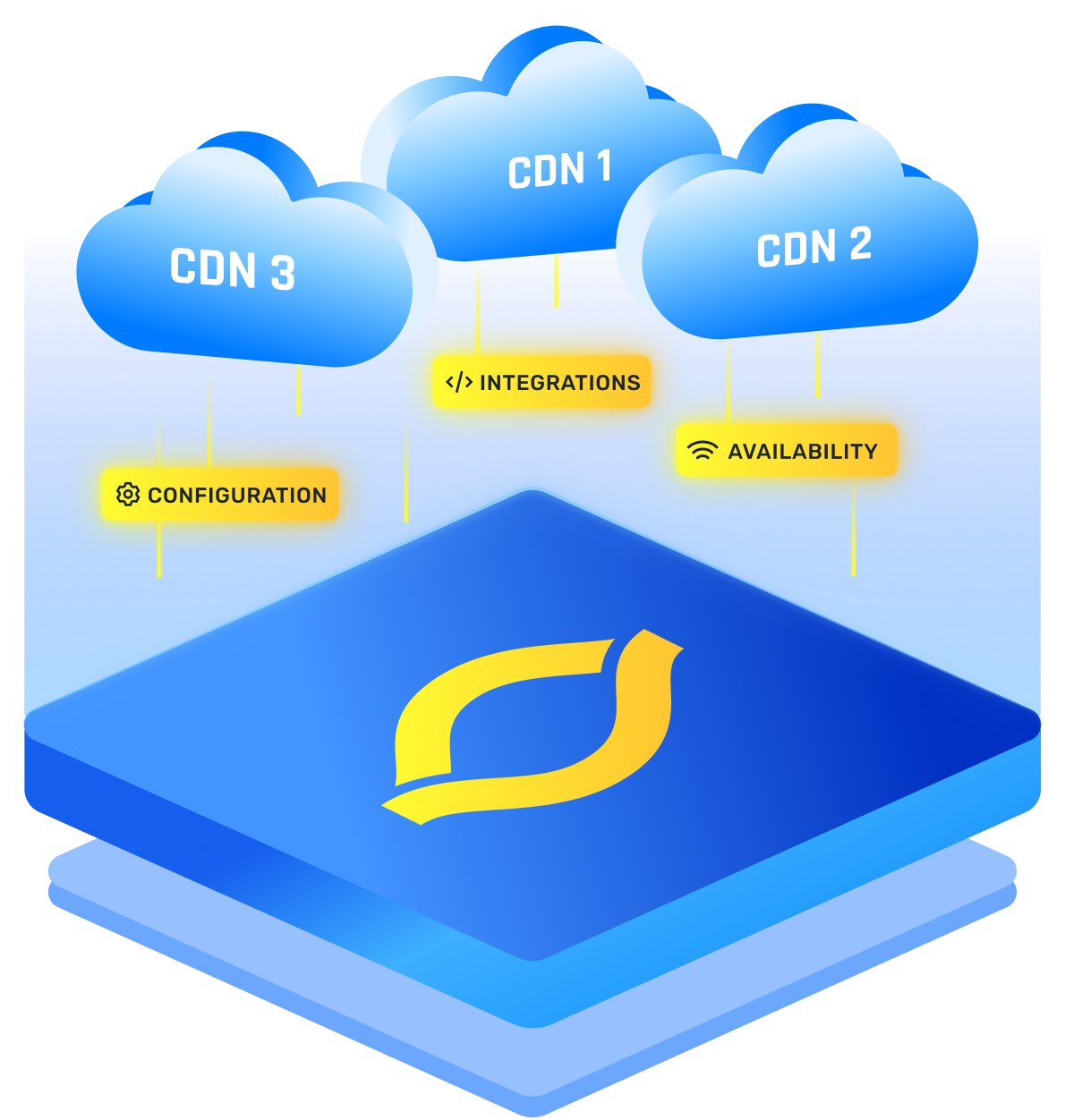
Every segment request is a small delivery decision. During a popular live event, millions of players may request different renditions of the same few seconds. A CDN places those segments near viewers, serves repeated requests from cache, and prevents the origin from processing every request itself.
Cache design matters because each rendition has its own segment objects. A popular medium bitrate may stay warm across many edge locations, while an unusual rendition receives fewer requests and misses cache more often. Consistent URLs and correct cache headers help the edge reuse each object.
You also need to watch the path between the player and the edge. High throughput alone does not guarantee stable playback. Packet loss or sudden latency can slow an individual segment enough to trigger a downshift. For mobile video delivery, those changes can happen as the viewer moves between networks.
A resilient setup tracks more than average transfer speed. Useful signals include:
- Startup time and the bitrate selected for the first segment
- Rebuffering frequency and total stalled time
- Quality switches, including how often the player moves up or down
- Segment download time by CDN, provider, location, and device group
Conclusion
Adaptive video quality is a constant negotiation between picture detail and uninterrupted playback. Your encoder supplies choices, the player chooses, and the CDN delivers each segment fast enough to keep playback safe. When those pieces share good measurements, quality can change without breaking the viewing experience.
Frequently Asked Questions
How Does Adaptive Streaming Respond When a Viewer's Bandwidth Drops?
The player compares recent segment download speed with its remaining buffer. When the connection weakens, it requests a lower bitrate segment that should arrive faster. The picture may become softer, but playback can continue. If the drop is severe or sudden, the buffer may still empty before the change helps.
Can Adaptive Bitrate Streaming Work on All Devices and Browsers?
It works on most modern devices when the player, protocol, codec, and digital rights system are compatible. Support is not identical everywhere. You may need native HLS on Apple devices, a browser player for DASH, and fallback renditions for older hardware that cannot decode newer video formats efficiently.
Does Switching Bitrates Cause a Visible Interruption for the Viewer?
A well prepared stream can switch at aligned segment boundaries without pausing. The viewer may notice a change in sharpness, especially after a large step. Poor keyframe alignment or an empty buffer can turn the switch into a stall or visible playback error.
How Many Bitrate Rungs Does Effective ABR Delivery Require?
There is no universal number. Your ladder should cover the real range of viewer connections and screen sizes with meaningful quality steps. Many services use several rungs, then refine them through content aware encoding. Complex sports footage may need different bitrates from a simple presentation at the same resolution.
How Does CDN Caching Interact With Adaptive Bitrate Segment Requests?
Each rendition and segment is a separate cache object. When many viewers request the same object, the CDN can serve it from nearby storage and reduce origin load. Fragmented demand across too many renditions may lower cache efficiency, so stable URLs and a purposeful bitrate ladder matter.


